Plugins
A plugin is a package of the Auditix marketplace installed on your instance. Packages bring ready-made content: manufacturers and their models (with control key and connection script), SNMP profiles, CLI profiles and profiles.
Platform plugins and tenant plugins
Section titled “Platform plugins and tenant plugins”| Platform plugins | Tenant plugins | |
|---|---|---|
| Where | Settings › Platform › Plugins | Settings › Tenant › Plugins (and the Plugins tab of a tenant managed from the platform) |
| Content | Shared with every tenant, read-only | Shows in that tenant only, read-only |
| Permission | Plugins › View, Manage (platform) | Tenant › Plugins › View, Manage |
| Update notifications | Platform administrators | Administrators of the tenant |
A package can be installed once for the platform and once in each tenant.
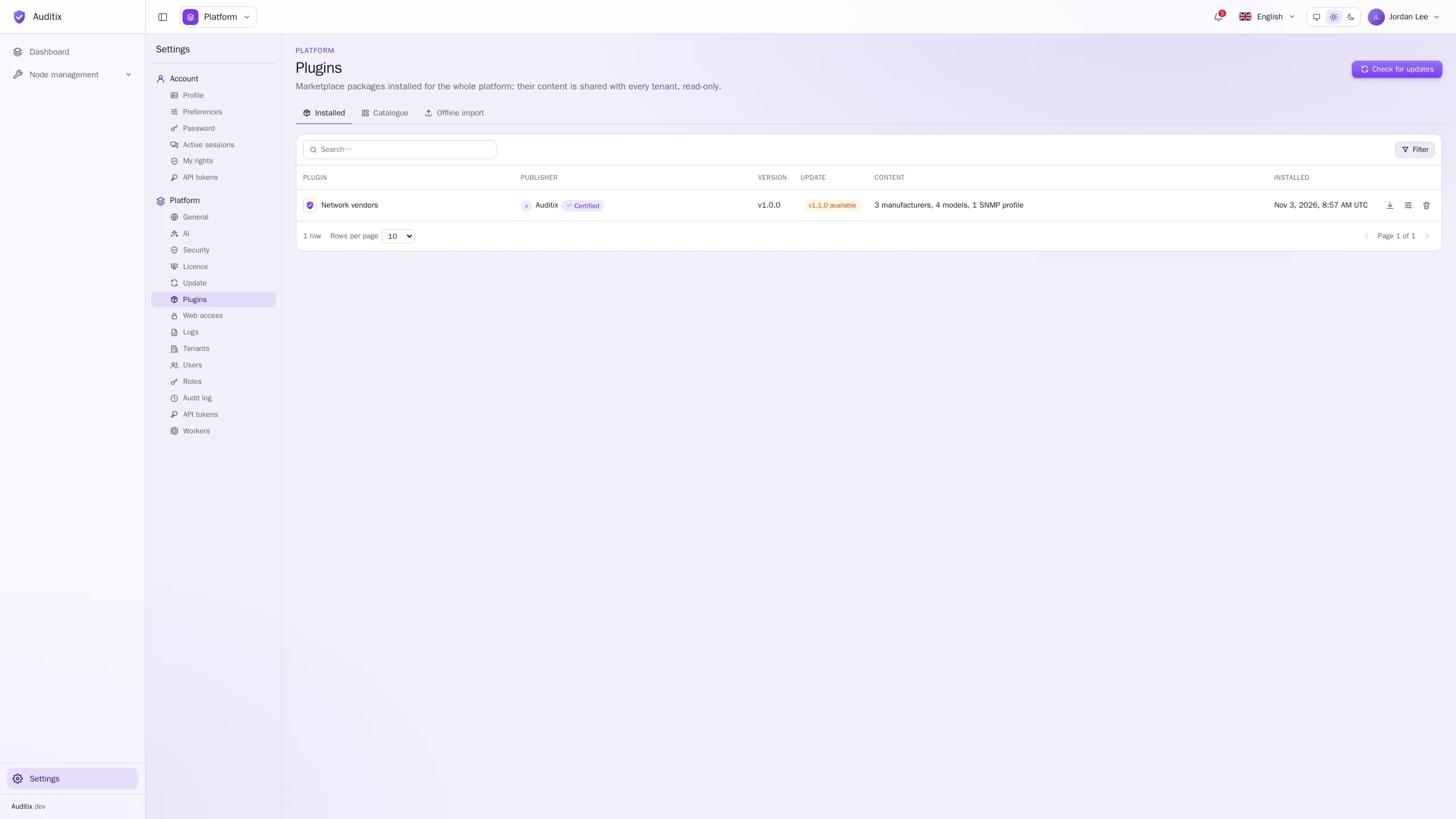
The page has three tabs: Installed, Catalogue (the packages of the marketplace) and Offline import (a package file). Check for updates asks the marketplace at once for newer versions of the installed packages; you are notified of the result.
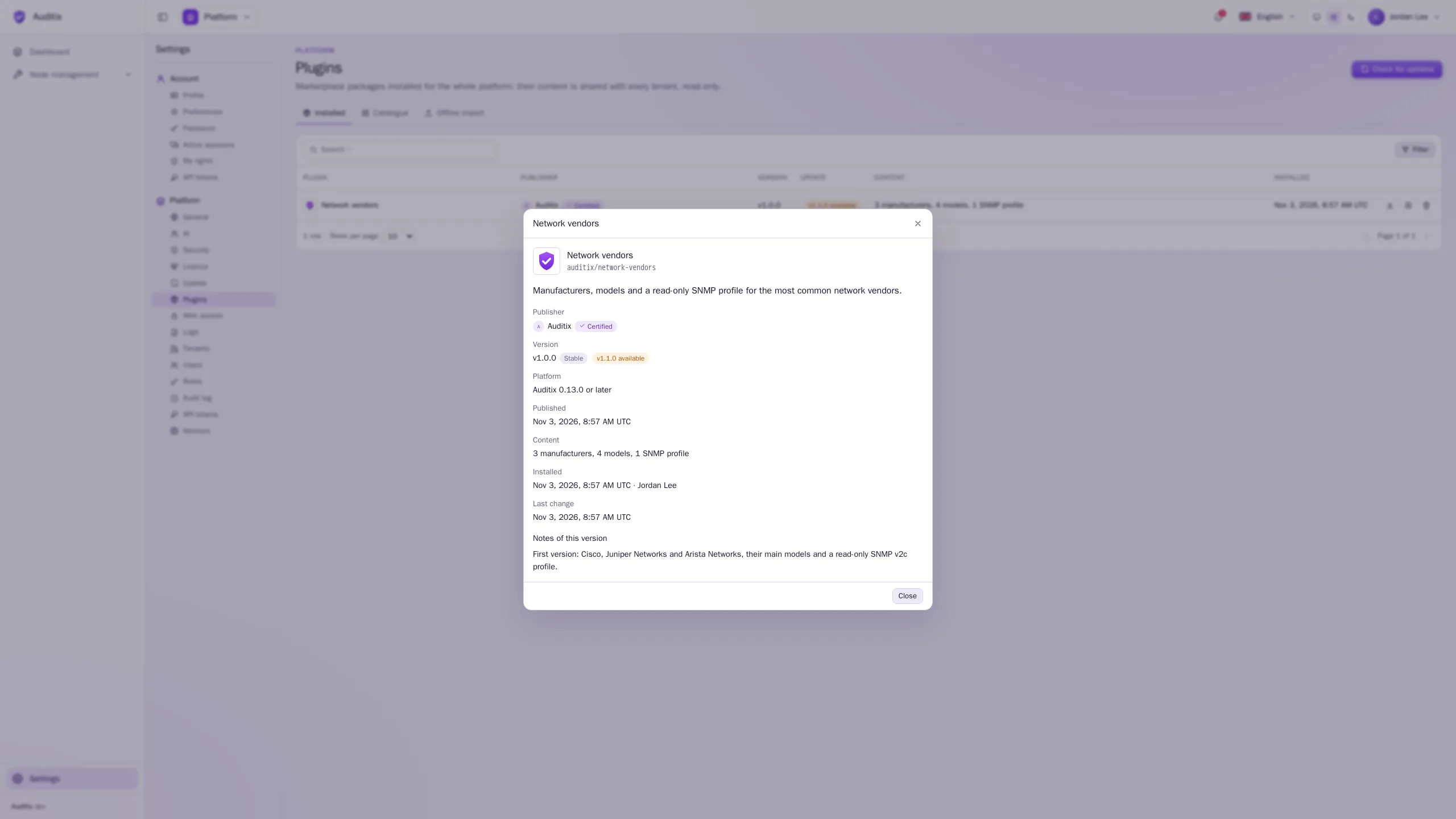
The Installed table shows each Plugin, its Publisher (with Certified for packages published by Auditix or certified by the vendor), its Version (with Dev for a development version), the Update available, and its Content. Click a row for the details of the plugin and the notes of its version.
The content of a plugin
Section titled “The content of a plugin”What a plugin installs shows in Node management with the plugin as Origin (“Network vendors by Auditix”), and:
- is read-only everywhere: it follows its package;
- is updated when the plugin is updated, and removed when the plugin is uninstalled or when a new version no longer holds it, unless something still uses it (see below);
- keeps the credentials you set for its SNMP and CLI profiles and profiles across updates (see Shared items & overrides).
Uninstall a plugin
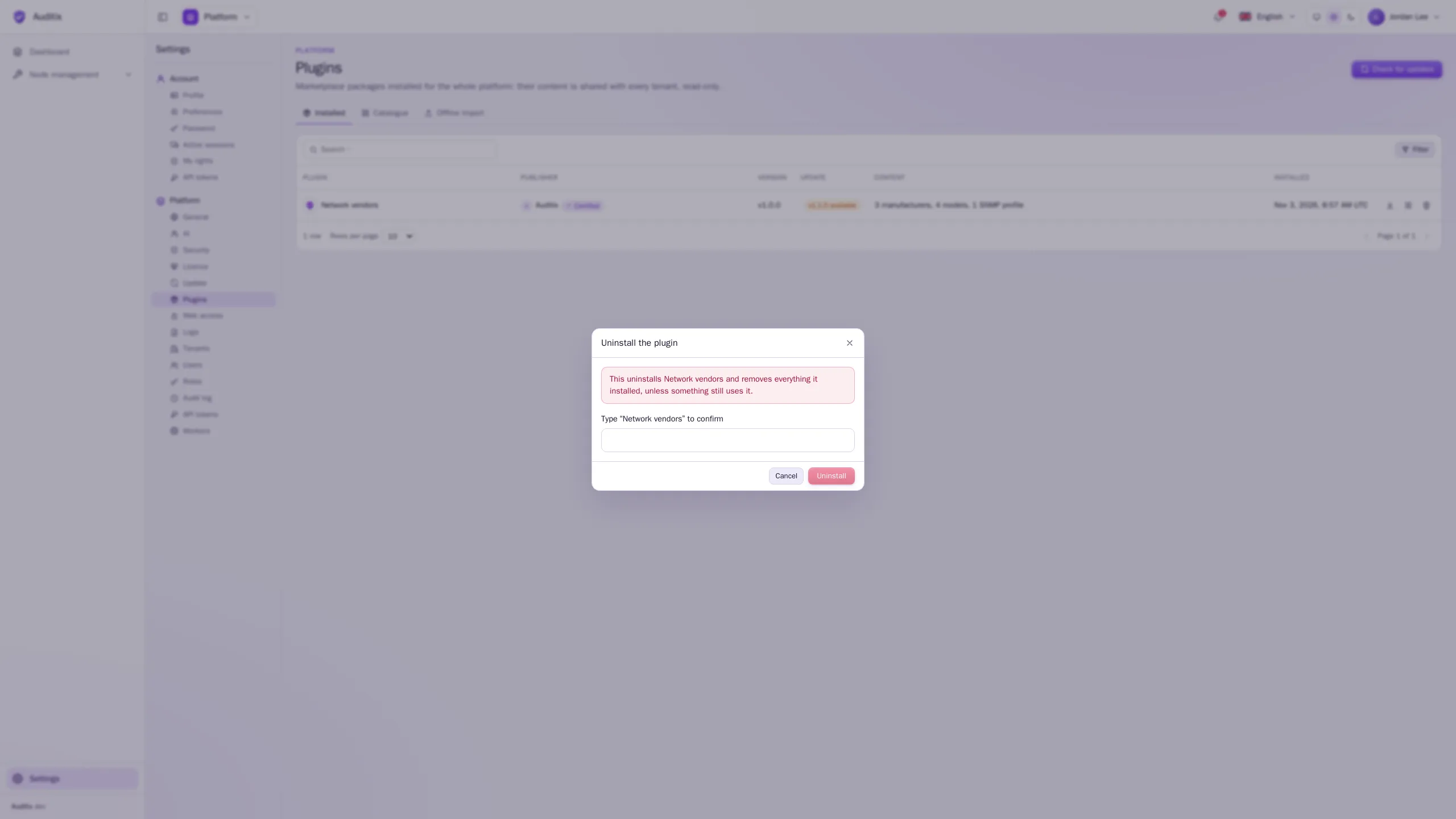
Section titled “Uninstall a plugin”Click the bin of the plugin’s row, type its name to confirm, and click Uninstall. Everything it installed is removed with it.
Uninstalling is refused while something outside the package still uses its content, for example a model of a tenant using a manufacturer of the package, or a profile using one of its SNMP profiles:
The package cannot be uninstalled: … still in use.
Change or delete what uses it first, then uninstall again. The same rule applies to updates that drop an item (see Versions & the dev channel).