Notifications
Notifications belong to each user. They appear under the bell of the top bar, in real time; the red counter shows how many are unread.
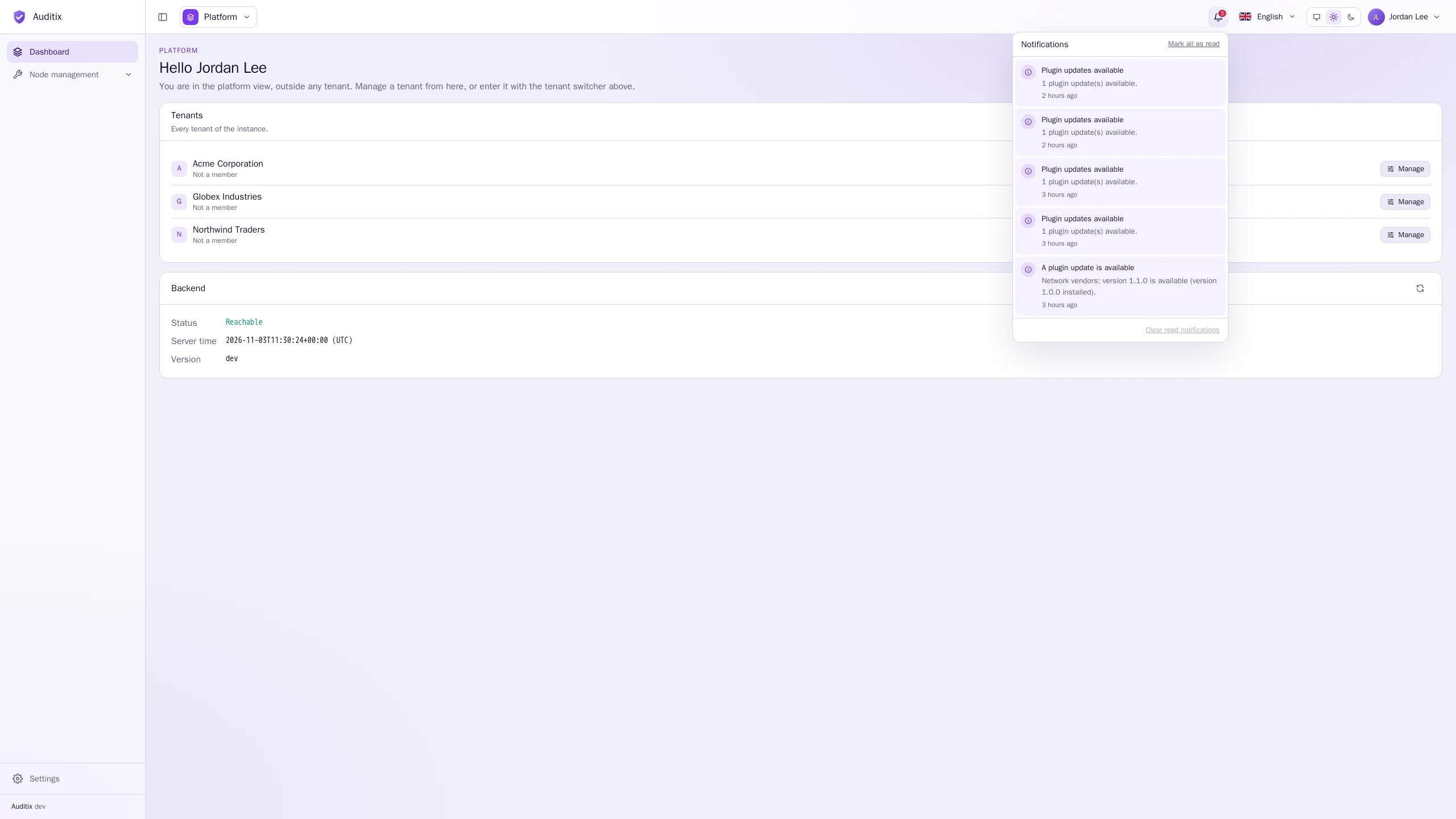
- Click the bell to open the list, the newest first. Some notifications link to the page concerned.
- Mark all as read resets the counter.
- Clear read notifications removes the ones already read.
- While a background task runs on your behalf, its progress bar shows under the bell.
There is nothing to configure: Auditix notifies the people concerned by an event, as below.
What notifies you
Section titled “What notifies you”| Event | Who is notified |
|---|---|
| You have been added to a tenant, your roles in it have changed, or you no longer have access to it | The account concerned |
| A tenant has no administrator anymore | Platform administrators |
| The licence ends soon (30, 7 and 1 days before), has ended, or its grace period is over | Platform administrators |
| A plugin update is available | Platform administrators (platform plugins), or the administrators of the tenant (its plugins); once per version |
| The result of Check now (licence), Check for updates (Auditix or plugins) or Run now (a scheduled task): renewed, revoked, update found, everything up to date… | The person who started it |
Scheduled checks that run by themselves only notify when they find something, such as a new plugin version; they never notify about a routine run.