Creating a package
Create the package
Section titled “Create the package”- Open Packages in the top bar and select New package.
- Enter its Name, for example Campus switching profiles.
- Choose Published in the name of: Myself, or an organization where you may publish.
- Select Create. The package opens in the editor, on its Overview.
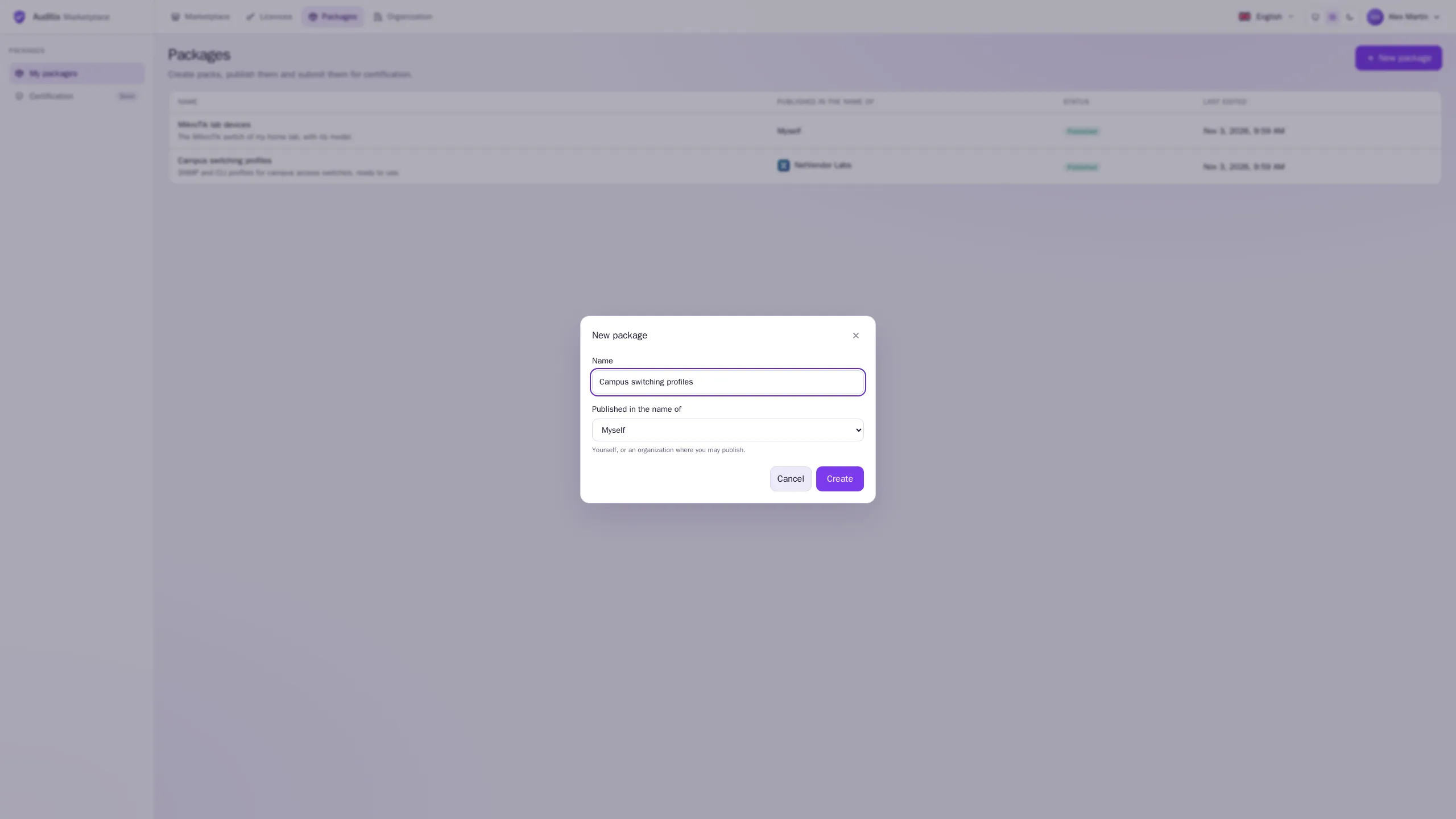
The publisher cannot be changed afterwards: create the package in the right name from the start.
The address owner/package
Section titled “The address owner/package”Every package has an address made of the handle of its publisher and its own name, for example
netvendor-labs/campus-switching-profiles:
- the publisher handle is your handle, or the address of the organization;
- the package part is made from the name when the package is created, and can be changed in Settings › Address: lowercase letters, digits and hyphens, unique among the packages of that publisher.
Its page in the catalogue is /catalogue/<address>. Platforms know a package by its identity, not
by its address: renaming it, or a change of the publisher’s handle, does not break the platforms that
installed it.
Describe it: the Overview
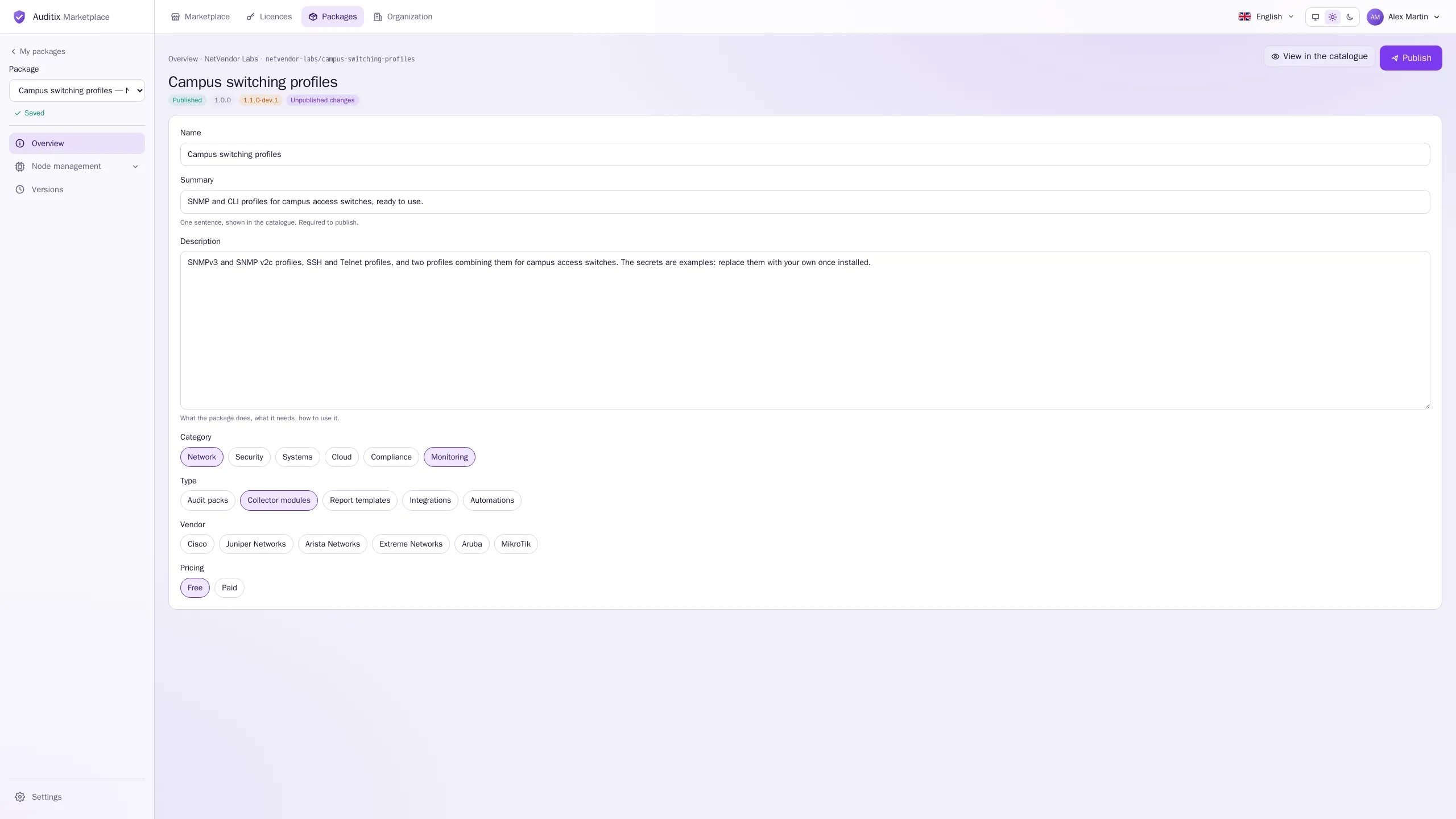
Section titled “Describe it: the Overview”The Overview of the editor holds what the catalogue shows:
| Field | Use |
|---|---|
| Name | Shown everywhere. |
| Summary | One sentence, shown in the catalogue. Required to publish. |
| Description | What the package does, what it needs, how to use it. Shown on its page. |
| Category, Type | Tags: the filters of the catalogue under which the package is found. |
| Pricing | Free or Paid. Paid packages cannot be downloaded yet. |
Settings: address, logo and visibility
Section titled “Settings: address, logo and visibility”Settings, at the bottom of the editor sidebar, holds Address and visibility, the Logo and Delete the package.
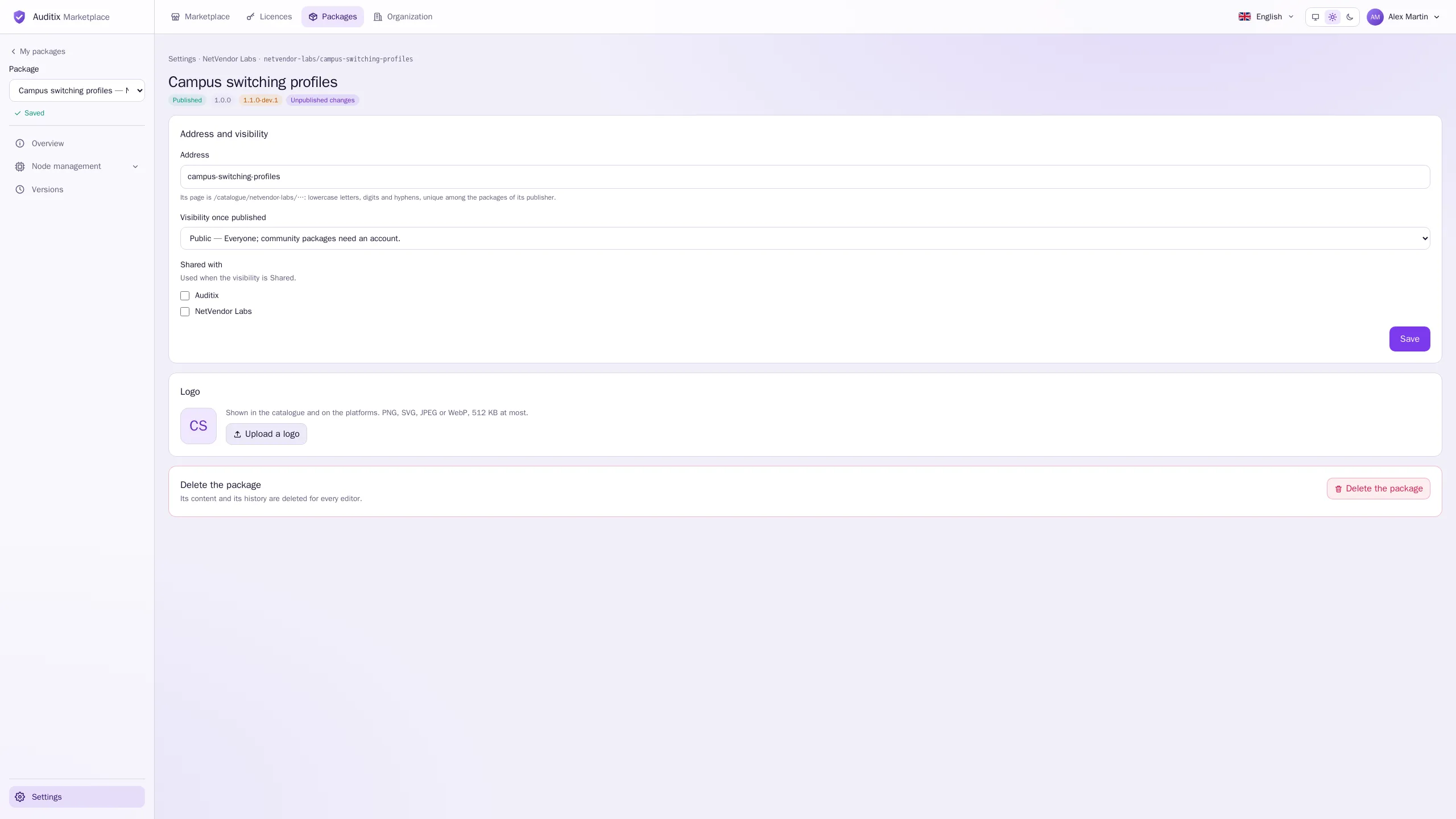
Select Upload a logo (then Replace the logo or Remove the logo). It is shown in the catalogue and on the platforms. PNG, SVG, JPEG or WebP, 512 KB at most; an SVG must be a plain drawing, without scripts or external links.
Visibility
Section titled “Visibility”Visibility once published decides who sees the package once it is published (a draft is only seen by its editors):
| Visibility | Who sees it |
|---|---|
| Private | Its owner, and the members of its organization and of those above and below it. |
| Shared | As private, and the members of the organizations ticked in Shared with. |
| Public | Everyone. A community package needs visitors to be signed in. |
Shared with offers the public organizations of the directory and your own organizations. Select Save to apply.
The same rules apply to connected platforms: a platform sees the packages its licence holder may see.
Deleting
Section titled “Deleting”Delete the package deletes its content and its history for every editor. It cannot be undone. Platforms that installed it keep the version they have.
Who can edit
Section titled “Who can edit”A package is edited by its owner (when published in your own name), or by the members holding Publish packages in its organization or in an organization above it. The package picker at the top of the editor sidebar lists every package you may edit.