Getting started
The Auditix marketplace is where you find packages for your Auditix platform, get and manage the licences of your platform instances, and publish your own packages. It is organised as a few applications, listed in the top bar:
| Application | What you do there | Needs an account |
|---|---|---|
| Marketplace | Browse the catalogue, open package pages, visit the directory of organizations | No (community packages need one) |
| Licences | Take a free Community licence, activate it, connect a platform | Yes |
| Packages | Create, edit, version and publish packages | Yes |
| Organization | Manage the organizations you belong to: members, sub-organizations, public page | Yes |
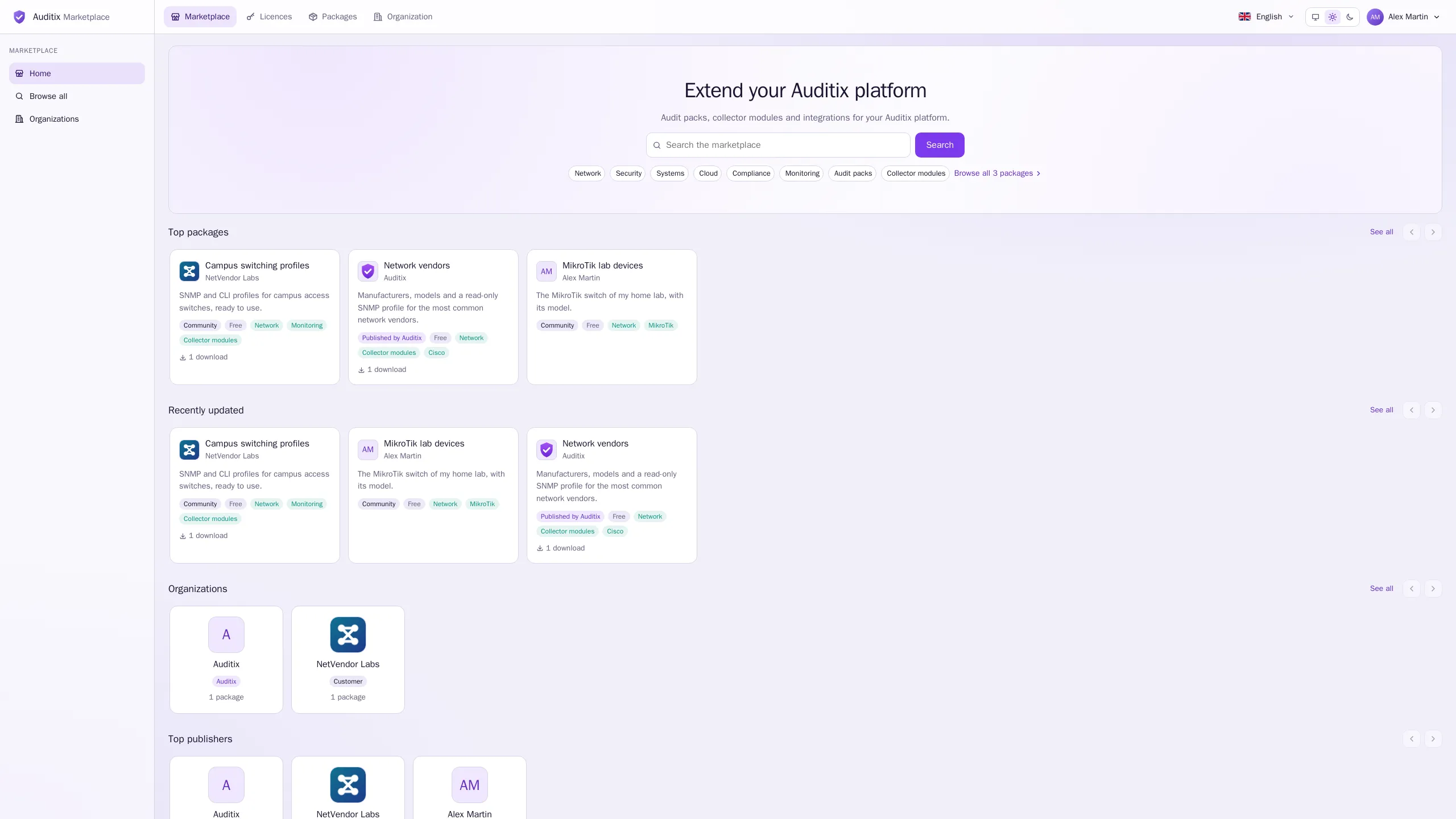
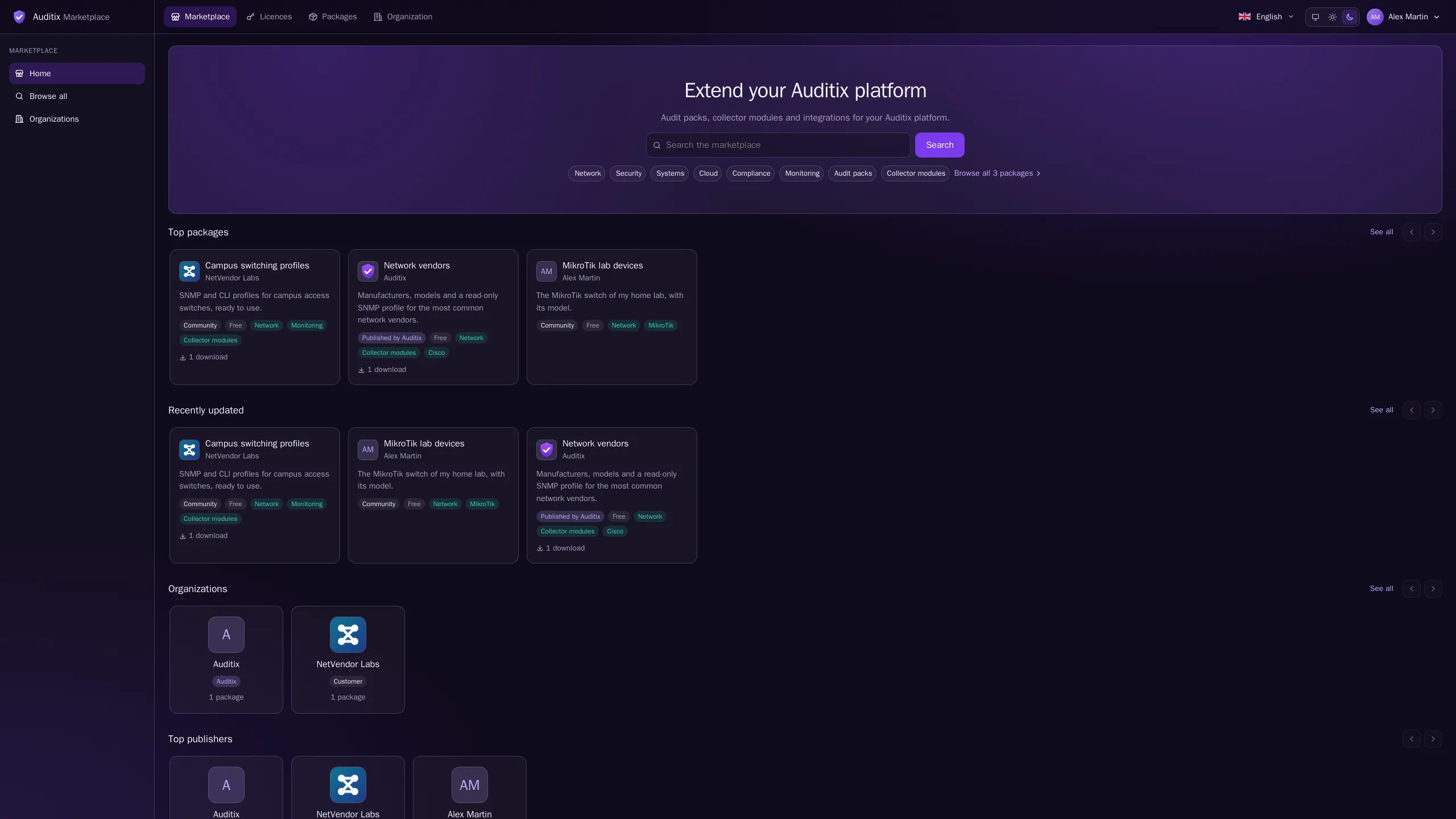
The top bar also holds the language picker (English, French, German, Spanish, Italian, Portuguese and Japanese), the theme switch (System, Light, Dark) and, once you are signed in, the account menu with Account settings and Sign out.
Next steps
Section titled “Next steps”Account & handleSign in, accept an invitation and choose your handle.
Public profileOpen your page to everyone and write a short bio.
Browsing the catalogueSearch and filter packages, download them for an offline platform.
LicencesGet a licence and activate your platform.