Account & handle
Getting an account
Section titled “Getting an account”There is no public sign-up on the marketplace. You get an account in one of two ways:
- From the Auditix team. The sign-in page gives the address to write to: Accounts are created by the Auditix team. To get one, write to …
- From an invitation. The Auditix team, or a member of an organization who manages its members, sends you an invitation link. See Members for how invitations are made.
You do not need an account to browse the packages published by Auditix and those certified by their vendor, nor the public pages of organizations. You need one for community packages, licences, publishing and organizations.
Accepting an invitation
Section titled “Accepting an invitation”An invitation link is made for one email address. It works once, for 14 days.
- Open the link. The page Join the Auditix marketplace says who invites you, and to which organization and with which role if it is an organization invitation.
- Under Create your account, enter your first and last name and choose a password: at least 12 characters, with letters and digits.
- Select Create my account. You are signed in, and a member of the organization if the invitation was for one.
- Open the link. The page says that an account already uses your address.
- Select Sign in to accept and sign in with that account.
- Select Accept the invitation.
If you are signed in with another account, the page says so: select Sign in with another account to switch.
If the page says This invitation no longer works, the link was used, revoked or has expired: ask the person who invited you for a new link.
Signing in
Section titled “Signing in”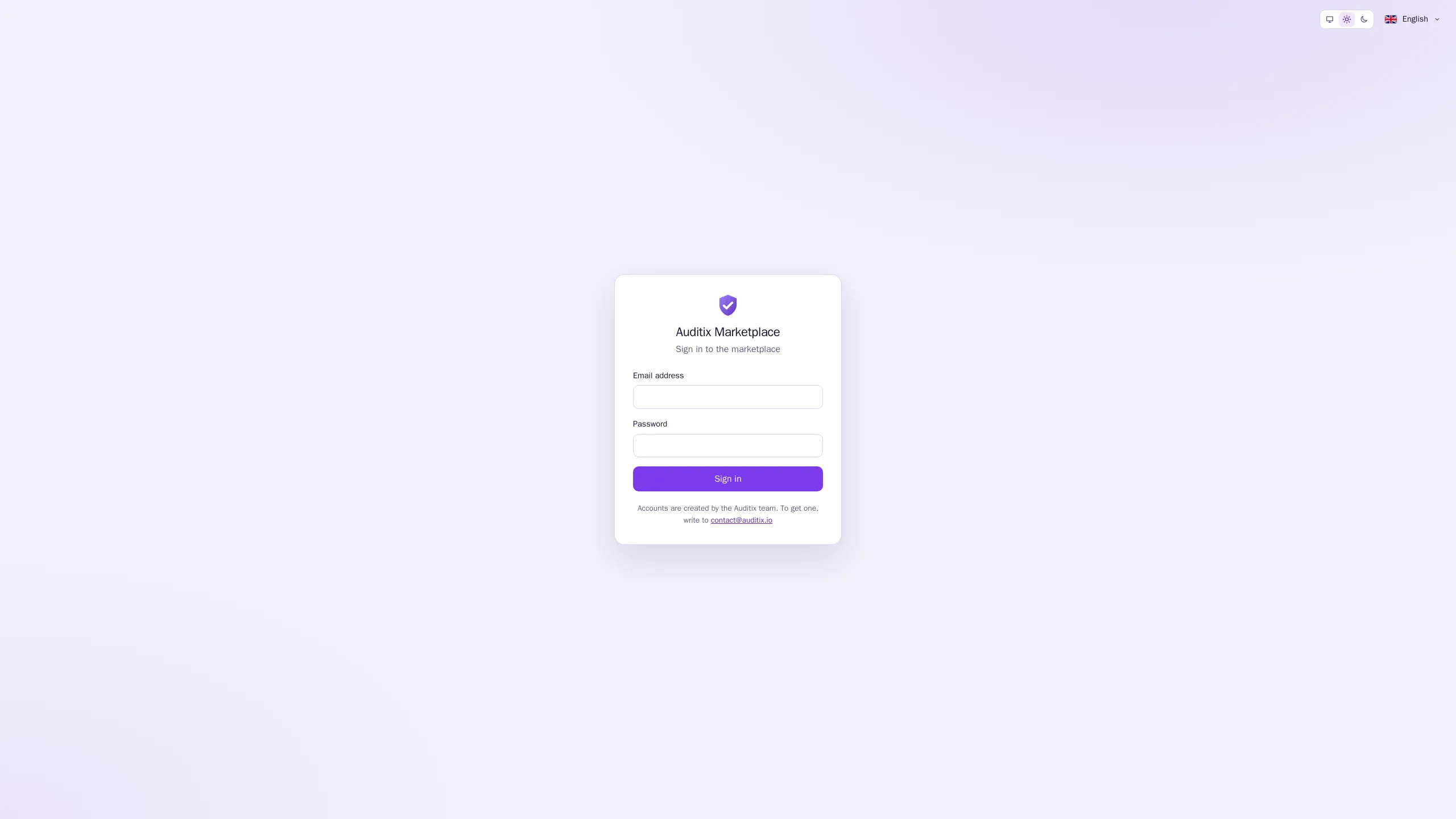
Select Sign in in the top bar, enter your Email address and Password, then select Sign in. When you opened a page that needs an account, you come back to it after signing in.
- Invalid email or password. The same message is shown whatever is wrong, for your security.
- Too many attempts. After several failures, wait a few minutes before trying again.
- Your session has ended. A session ends after 12 hours without activity, and 7 days after you signed in at the latest. Sign in again.
To leave, open the account menu (your name, top right) and select Sign out.
Account settings
Section titled “Account settings”Open the account menu and select Account settings. The Profile page shows your Name and Email address, then two cards: Public profile (see Public profile) and Handle.
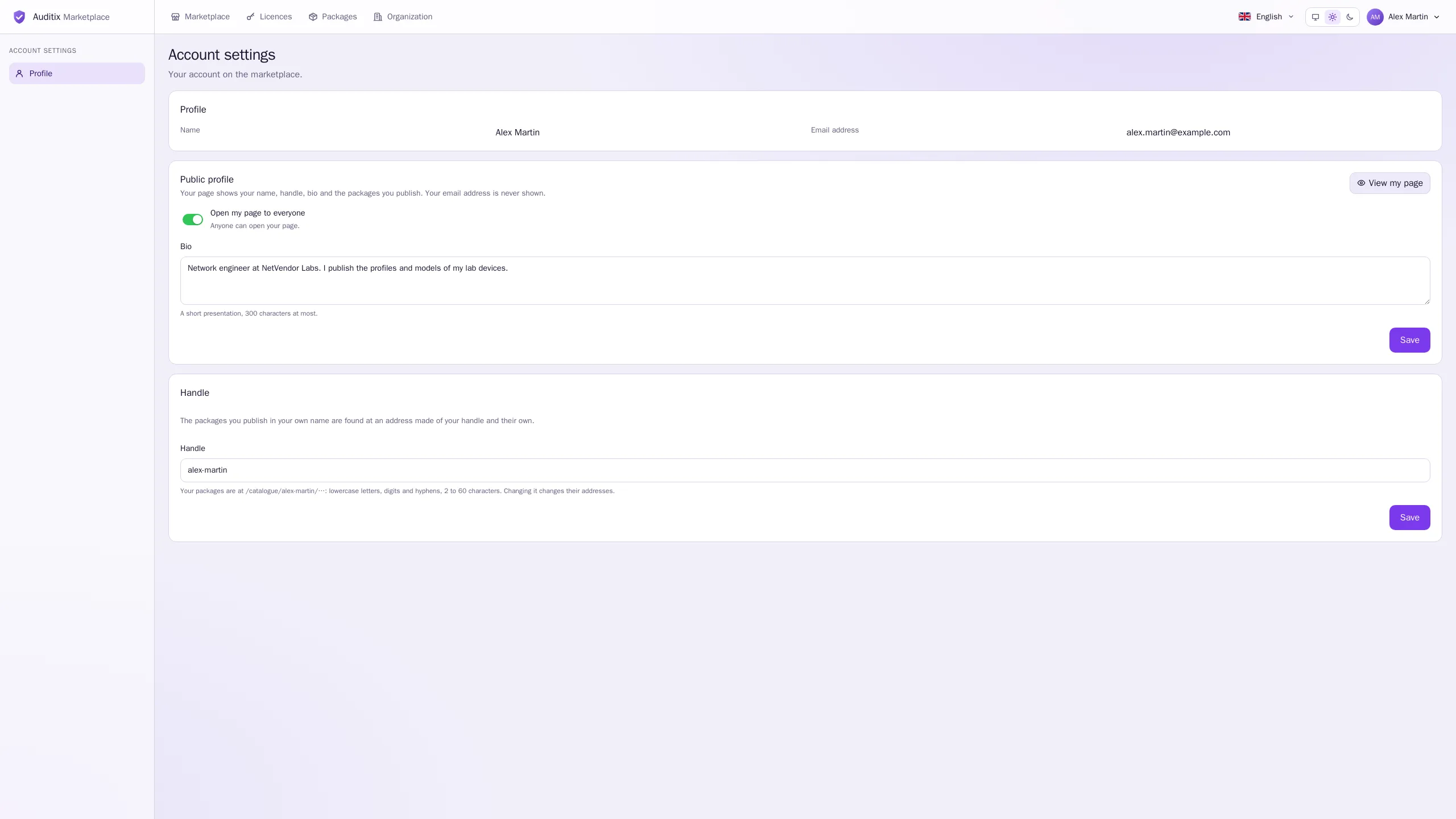
Your handle
Section titled “Your handle”Your handle is your unique name on the marketplace. It is made from your name when your account is created, and it appears:
- in the address of your page:
/users/<handle>; - in the address of every package you publish in your own name:
/catalogue/<handle>/<package>, for example/catalogue/alex-martin/mikrotik-lab-devices.
To change it, edit Handle and select Save.
| Rule | Detail |
|---|---|
| Characters | Lowercase letters, digits and hyphens (no hyphen at the start or end, no double hyphen) |
| Length | 2 to 60 characters |
| Unique | Accounts and organizations share the same names: you cannot take the address of an organization, and the other way round (An account or an organization already has this handle.) |
| Reserved | Words used by the marketplace itself (such as admin, catalogue, packages, licenses) and names starting with auditix (This handle is reserved.) |