Organizations
An organization lets several people work together on the marketplace: hold licences for the company’s platforms, publish packages in the company’s name, and present the company on a public page.
Types of organization
Section titled “Types of organization”| Type | For |
|---|---|
| Customer | A company that buys licences and uses packages. |
| Vendor | A manufacturer of network equipment. It certifies the packages that concern its products. |
| Auditix | The organization of the Auditix team. Its packages are Published by Auditix. |
Organizations are set up by the Auditix team: to get one for your company, contact them. Its type is set at that time and shown in its space, but cannot be changed by its members.
Visibility
Section titled “Visibility”| Visibility | Who sees the organization page |
|---|---|
| Public | Anyone, signed in or not. The organization appears in the directory (Organizations in the Marketplace sidebar), and other publishers can choose it when they share a package. |
| Private | Only its members, the members of the organizations above it and the Auditix team. |
The visibility is switched on the Public page tab.
The organization space
Section titled “The organization space”The Organization application of the top bar is the space of the organizations you belong to. The sidebar lists them, sub-organizations included; if you belong to none, the page says You are not a member of any organization. Each organization has four tabs:
| Tab | Content |
|---|---|
| Profile | Identity: its Address (the /organizations/<address> of its page, also the handle of its packages), Type, Parent organization, creation date. The publisher key. For a sub-organization, its deletion. |
| Members | Members, their roles and pending invitations. See Members. |
| Sub-organizations | See Sub-organizations. |
| Public page | Its page as visitors see it, edited in place. See Public page. |
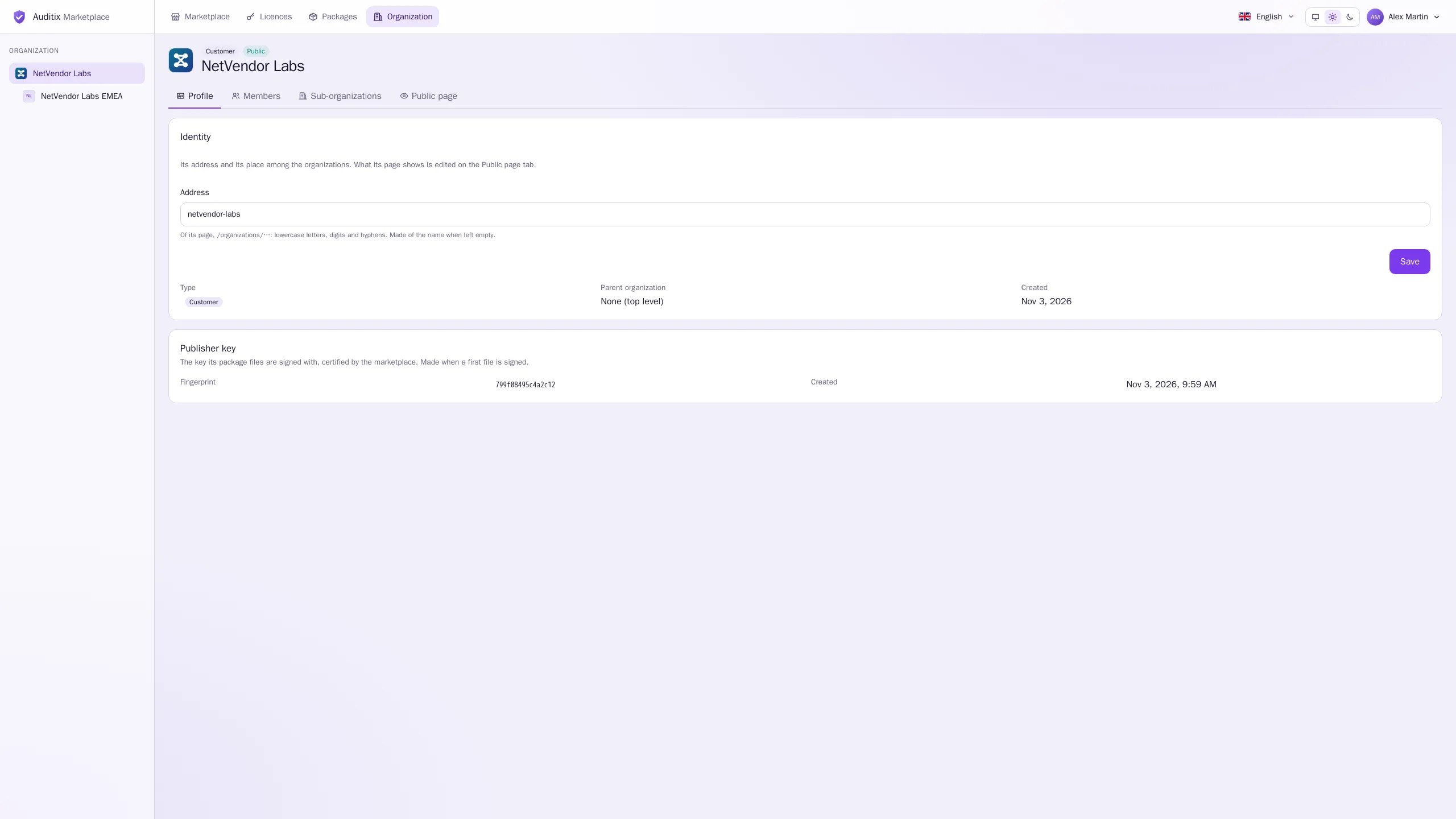
Members without the right to edit the organization see the Profile read-only, with the notice Only members allowed to edit the organization may change this.
What an organization holds
Section titled “What an organization holds”- Licences: Community licences taken in its name, and the paid licences issued to it by the Auditix team. See Licences.
- Packages: packages published in its name. Members with the right to publish edit them together. See Publishing packages.