Publishing packages
A package brings ready-made content to Auditix platforms: network equipment manufacturers, their models with how to connect to them, SNMP and CLI profiles, and profiles that bundle them with additional credentials and custom variables. Platforms install it as a plugin and are offered its updates.
Anyone with an account can publish packages in their own name. Members of an organization with Publish packages publish in the organization’s name.
The lifecycle of a package
Section titled “The lifecycle of a package”- Create the package: its name and publisher. See Creating a package.
- Write it in the editor, alone or with other editors at the same time: its overview, then its manufacturers, models and profiles. Everything is saved as you type; it is a Draft that only its editors see.
- Publish a version: choose the channel and number, the platform compatibility and a changelog. See Publishing.
- Keep editing: your changes prepare the next version. Publish it when ready; platforms are offered it as an update.
My packages
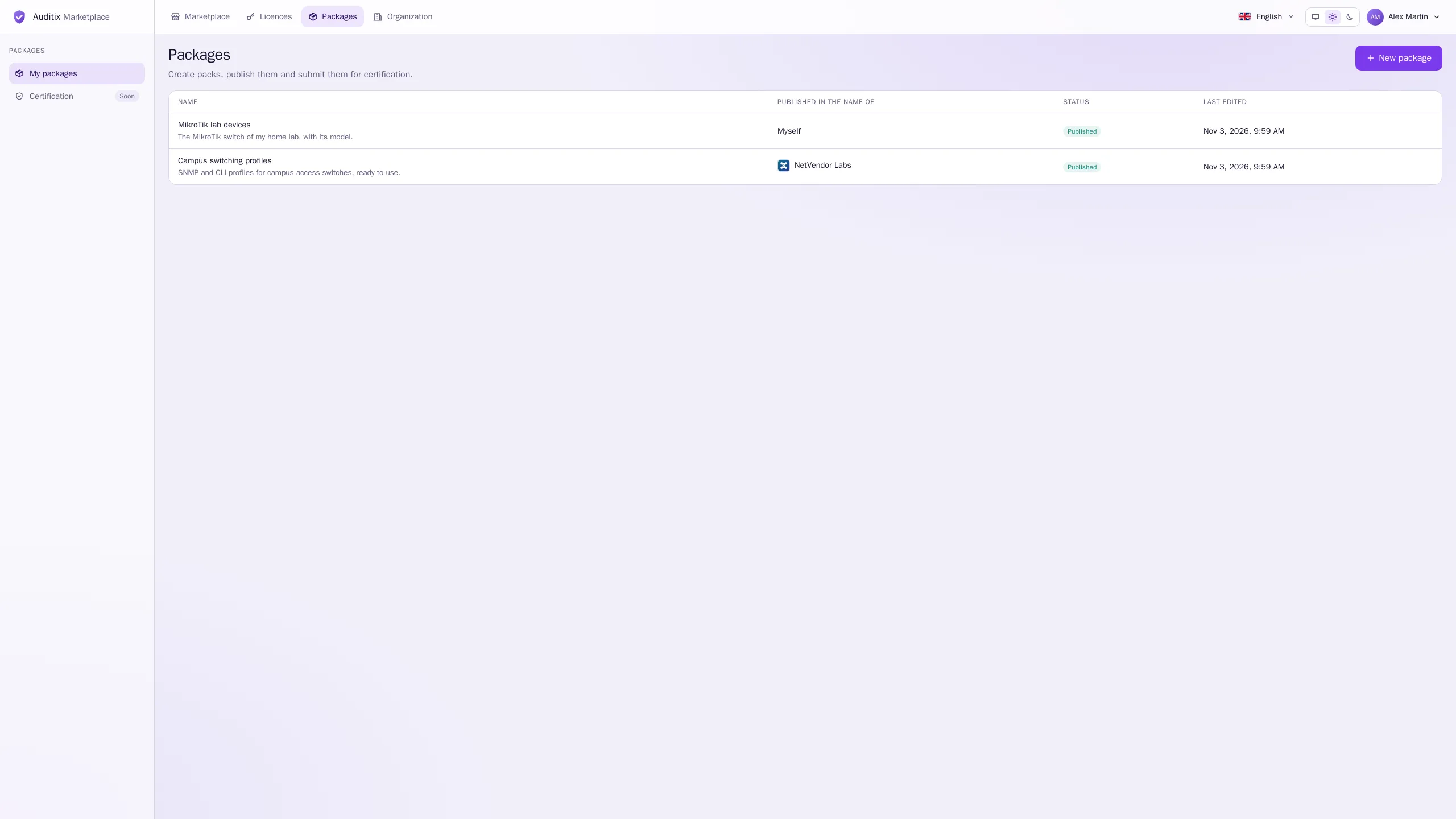
Section titled “My packages”The Packages application of the top bar lists the packages you may edit: yours, and those of the organizations where you may publish. For each: Name and summary, Published in the name of, Status (Published or Draft) and Last edited.
Creating a packageName, publisher, address, logo, visibility and pricing.
The package editorManufacturers, models, SNMP and CLI profiles, profiles.
Versions & channelsStable and development versions, and their numbers.
Platform compatibilityWhich platform versions a version runs on.