Public profile
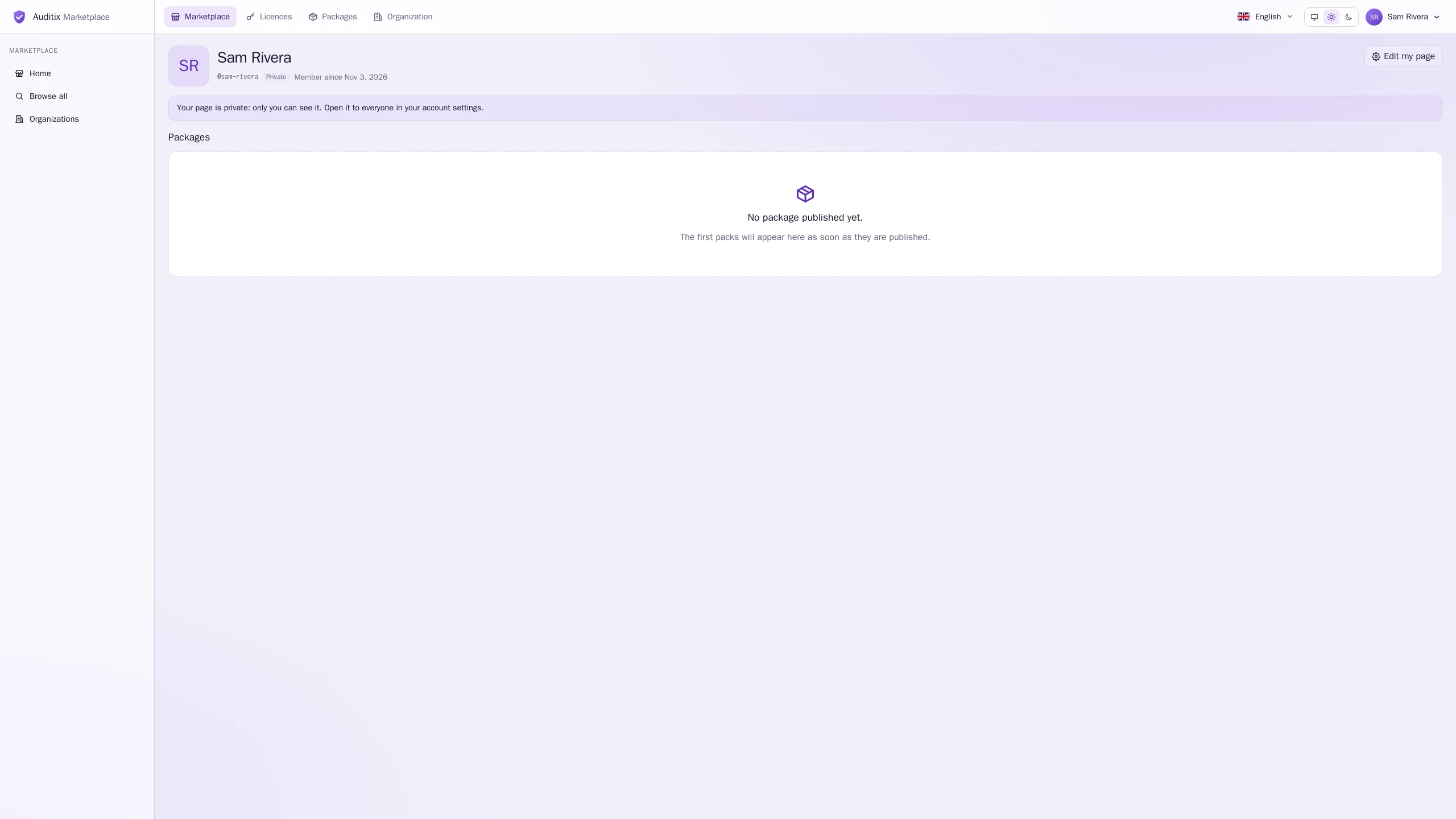
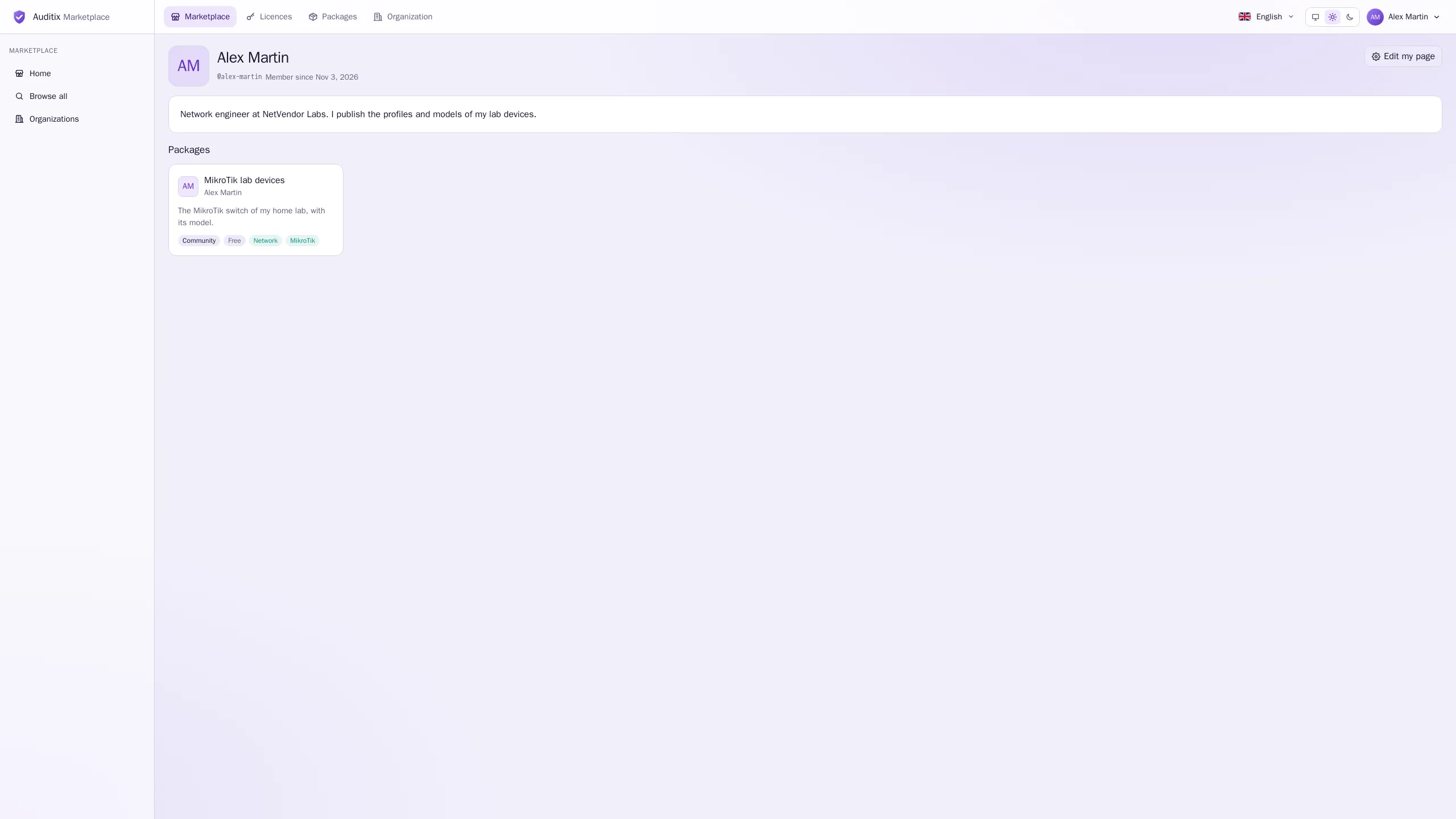
Every account has a page at /users/<handle>. It shows your name, your handle, the date you
joined (Member since), your bio and the Packages you publish in your own name that the
visitor is allowed to see. Your email address is never shown.
Private by default
Section titled “Private by default”A new page is private: only you can see it. Anyone else who opens its address gets a “not found” page, and your name on your package cards is not a link. When you open your own private page, a notice reminds you: Your page is private: only you can see it. Open it to everyone in your account settings.
Opening your page to everyone
Section titled “Opening your page to everyone”- Open the account menu and select Account settings, or select Edit my page on your page.
- In Public profile, turn on Open my page to everyone. The switch turns green and says Anyone can open your page.
- Optionally write a Bio: a short presentation, 300 characters at most.
- Select Save. View my page opens your page as others see it.
Once your page is public, your name links to it wherever one of your packages names its publisher (package cards, package pages), and you appear in Top publishers on the home page when your packages are downloaded.
To make it private again, turn the switch off and select Save.