Licences
A licence sets what an Auditix platform instance may do: how many tenants, devices and users it manages, and which features it has. The Licences application of the top bar lists the licences held by you and by your organizations.
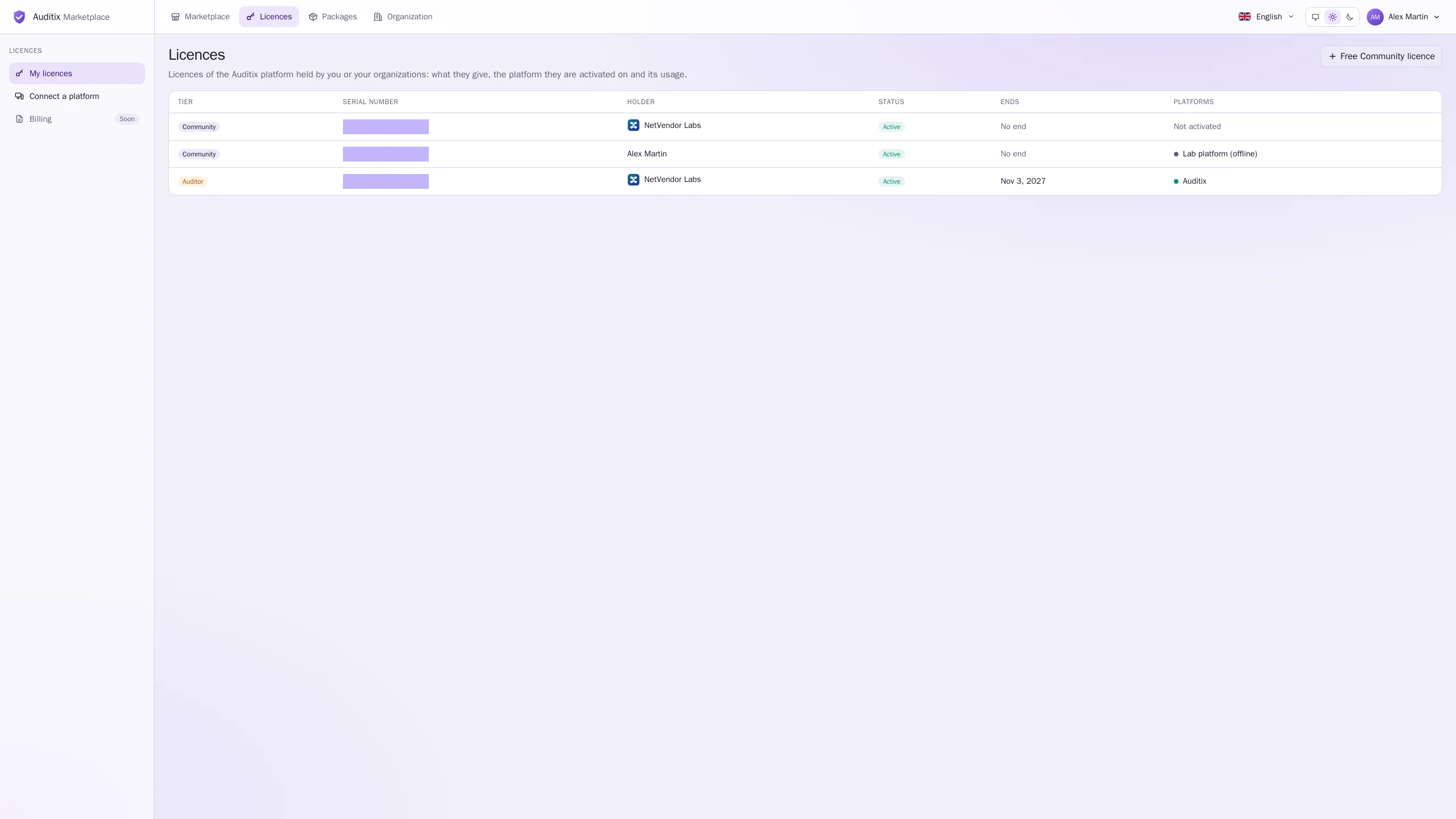
Who holds a licence
Section titled “Who holds a licence”A licence belongs to a holder:
- you (Myself), or
- an organization: its members with Manage the licences activate it and connect platforms; those with See the licences only see it.
Getting a licence
Section titled “Getting a licence”- Community licences are free and never end. Take one yourself: select Free Community licence, choose the Holder (Myself, or an organization where you manage licences) and select Create. You may take as many as you need, one per platform.
- Enterprise and Auditor licences are paid and issued by the Auditix team. Contact them; the licence then appears in your list.
A platform with no licence at all runs with the Community limits. Taking a free Community licence and activating it ties the platform to its holder, for instance so that it sees the private packages of your organization.
Licence statuses
Section titled “Licence statuses”| Status | Meaning |
|---|---|
| Active | Valid today. |
| Not started | Its start date is in the future. |
| Ended | Its end date has passed. |
| Revoked | Withdrawn by the Auditix team. |
From licence to platform
Section titled “From licence to platform”- Get a licence (above) and note its serial number.
- Activate it on your platform, either connected (recommended: the platform keeps it up to date by itself) or offline for a platform without Internet access.
- Follow the platform’s usage on the licence page.
PlansCommunity, Enterprise and Auditor compared.
Serial numbersThe AX-XXXX-XXXX-XXXX number of each licence.
Activating an instanceOffline activation with a request code and a licence file.
Connecting an instancePair a platform with a short code.